A little SSIS trick today. Sometimes you start a new Integration Services project and you want to add some existing packages to this project. So you can right-click the SSIS Packages node and choose Add Existing Package.
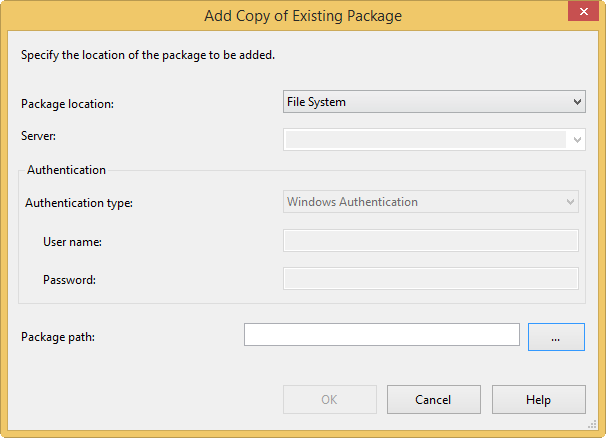
In the dialog, you choose the File System.
All you now have to do is choose the package path by clicking on the ellipsis.
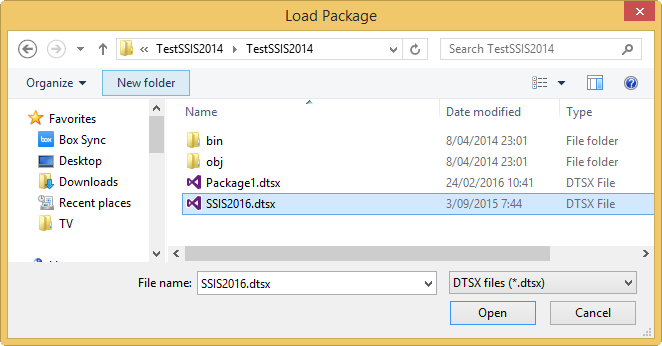
You select the package you want to import and you’re done. But the problem is, you can select only one single object? What if you want to import 20 packages to your project? Kind of annoying to repeat the same process 20 times, isn’t it?
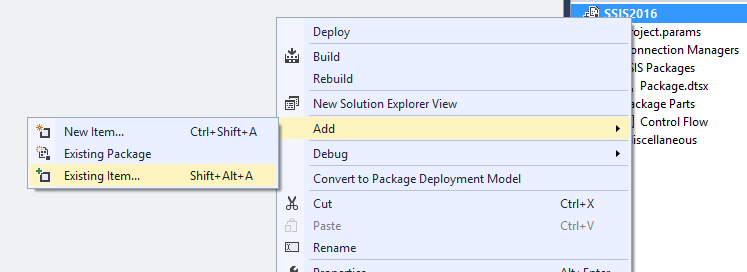
Luckily there’s an easier way. Instead of going for the obvious Add Existing Package, right-click on the project itself. In the context-menu, choose Add, ignore Existing Package and click on Existing Item.
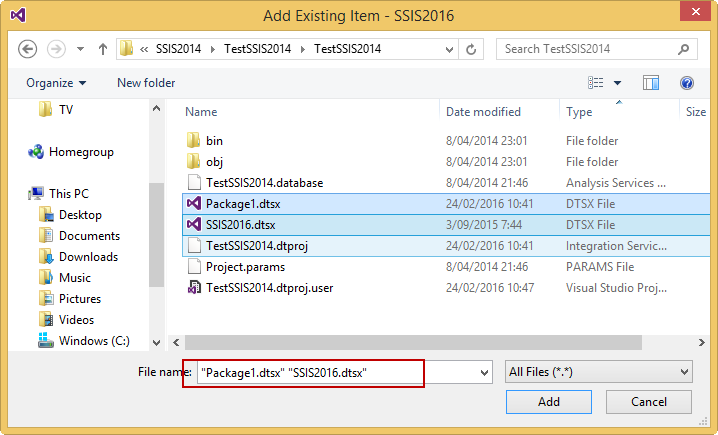
In the dialog, you can now choose any type of object. But what’s more important, you can choose multiple objects at the same time.
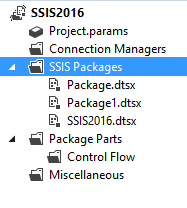
The project knows what kind of objects you have added and will place them in the correct node.
Success! Quite a nice time-saver.
You can find the slides and SQL scripts for my session "Spice up your SQL…
The slides for my session "The €100 data warehouse on the Azure data platform" can…
A good week ago I hosted the monthly T-SQL Tuesday blog party. I invited the…
It's the second tuesday of the month, which means T-SQL Tuesday time! This month's topic…
It's time for T-SQL Tuesday again! And we're almost to number 200! T-SQL Tuesday is…
A while ago we suddenly had an error while trying to deploy one Fabric workspace…
View Comments
Or you just use CTRL-C on multiple files from Explorer and paste it in SSDT :-) Works on *.dtsx. Haven't tried it on different file types.
Ah, I didn't know that was possible. Thanks for the trick :)
Thanks for posting this. You saved me a lot clicking.
Thanks for ur post. it's Save my time.
Worked like a charm