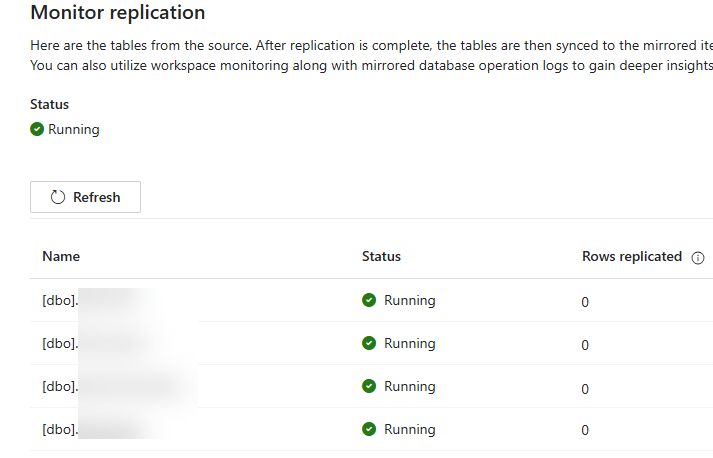
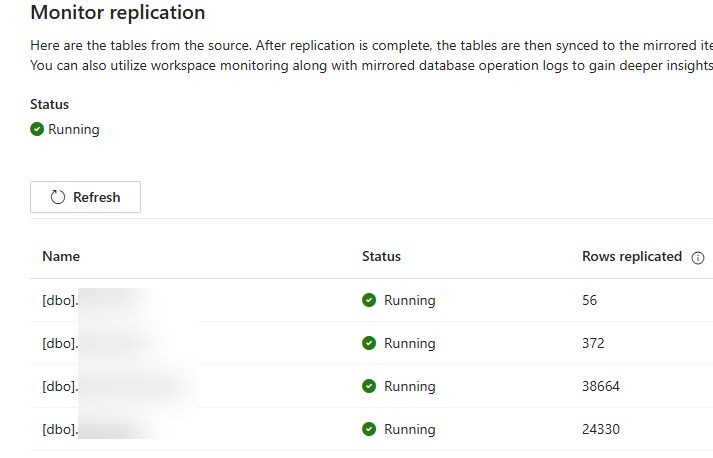
A short blog post about an issue with Fabric Mirroring (with Azure SQL DB as the source) that I’ve managed to run into, twice. I’ve set up mirroring by creating a connection using a service principal and this principal has the proper permissions on the source database. Configuring the replication was without issues, and the replication status went from “starting” to “running”. However, no rows were being copied. The tables were all listed in the monitoring pane, but the counters of “rows replicated” remained at zero. There were no errors in the logs (in OneLake) and nothing suspicious was mentioned in the monitoring.
So what was going on? Turns out, I forgot to give the managed identity of the Azure SQL DB server permissions on the workspace (or on the mirrored db itself). Once I added the managed identity to the workspace as a contributor), replication started working!
The slides for my session "The €100 data warehouse on the Azure data platform" can…
A good week ago I hosted the monthly T-SQL Tuesday blog party. I invited the…
It's the second tuesday of the month, which means T-SQL Tuesday time! This month's topic…
It's time for T-SQL Tuesday again! And we're almost to number 200! T-SQL Tuesday is…
A while ago we suddenly had an error while trying to deploy one Fabric workspace…
I've uploaded the slides for my Techorama session Microsoft Fabric for Dummies and my DataGrillen…